Every mailbox, sized and dated
Full inventory of mailbox sizes and last logins — which is how you find the 86 GB mailbox that will quietly become your schedule's long pole.
CASE STUDY · CLOUD MIGRATION
Our client is the holding company behind a collective of 15+ creative agencies. When it moved from Office 365 to Google Workspace, nothing was allowed to go missing — not a delegate, not a distribution list, not a decade-old thread.
106licensed mailboxes, ~848 GB of mail inventoried
119Google Workspace accounts provisioned, 27 of them net-new
3,467group memberships rebuilt across 53 groups
99.6%coverage recreating a 2,104-member cross-agency list
Migrations fail on the things nobody wrote down. So before a single message moved, we built the written-down version: fifteen PowerShell scripts that interrogated the Office 365 tenant from every angle.
Full inventory of mailbox sizes and last logins — which is how you find the 86 GB mailbox that will quietly become your schedule's long pole.
Access delegation mapped 1:1 to Gmail delegation, and forwarding audited across all three places it hides: mailbox settings, inbox rules, and org-wide transport rules — with ~78 external forwards flagged for security review before cutover.
53 groups and roughly 3,467 memberships rebuilt on the Google side — including membership reconstructed from audit logs as of a fixed cutoff date, and ownerless groups traced back to real humans.
Microsoft throttles mailbox exports hard, and no vendor tool can talk its way past that. We did the throughput math up front — per-mailbox rate limits, best/expected/worst-case durations — and sequenced the two biggest mailboxes to start on day one, hour one. The 30-day promise was built on arithmetic, not hope.
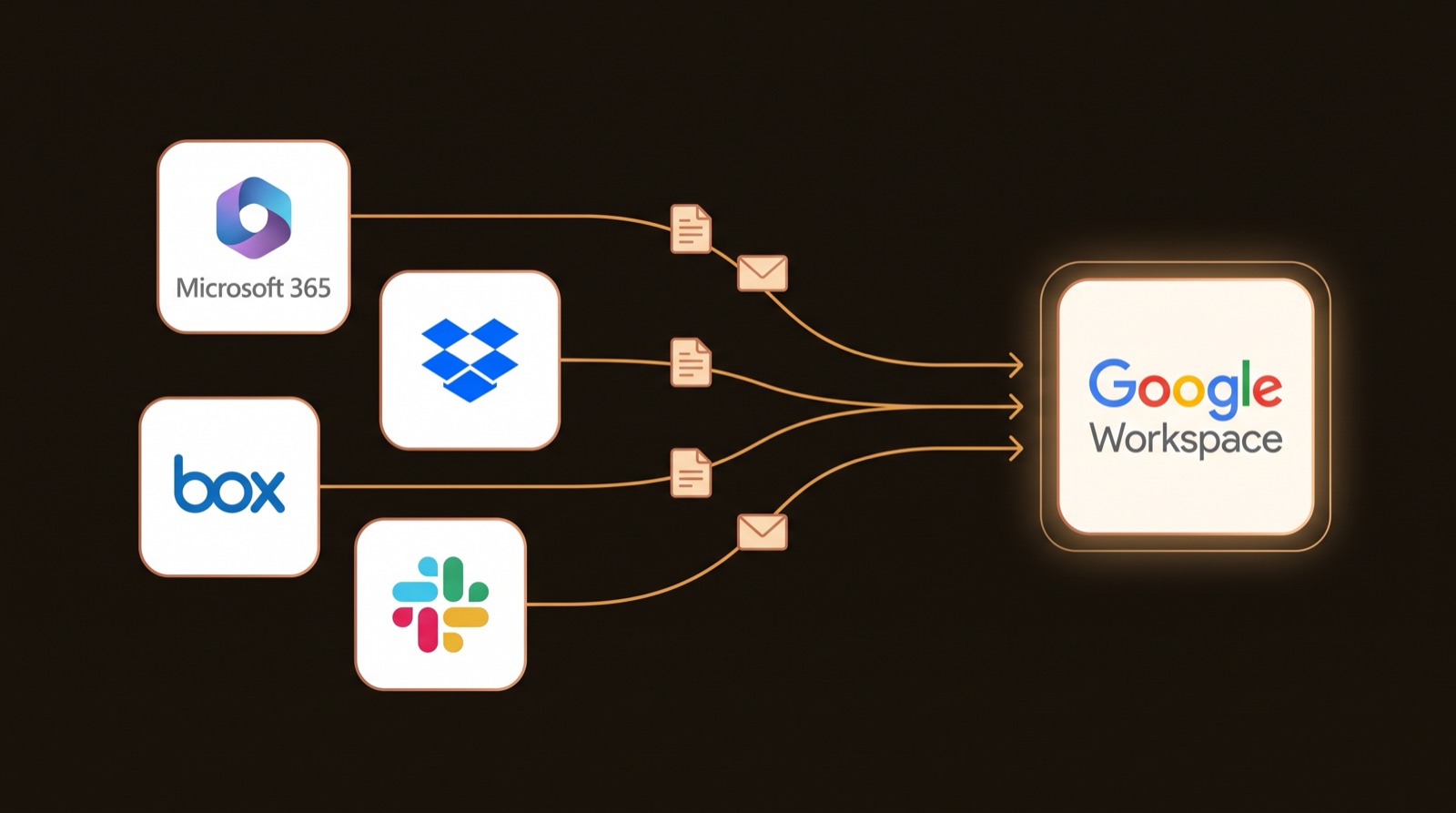
The collective-wide distribution list reached people at every agency in the network. It was rebuilt to 99.6% coverage, with the handful of rejects individually accounted for — not shrugged off.
GUID-named mailboxes, groups whose owners had left years ago, names on lists that matched no user — each one chased to a human answer instead of migrated as garbage.
Teams and Outlook were wound down in a controlled, reversible way — per-mailbox, keeping mail flow and the migration pipe intact — so the org changed platforms without a hard stop.
All tooling ran through a tenant-isolated wrapper so commands could not accidentally touch the wrong Google tenant. When you administer more than one company, that's not paranoia — it's table stakes.
Every number on this page came from an inventory script, not a slide. That's the difference between a migration plan and a migration guess — and it's how your company's move gets promised in days, delivered without drama, and documented well enough that the next IT person silently thanks us.
Email, files, identity, DNS — we've done the scary weekend. First call is free.
Book a call